
Download Go! YouTube Snagger – YouTube Video Downloader, MP4, FLV, Batch Download
Overview
Go! YouTube Snagger is a straightforward mobile application designed to facilitate the direct downloading of YouTube videos to a user’s device. Its primary purpose is to enable users to save videos offline for later viewing, eliminating the need for internet connectivity during playback. This functionality addresses common challenges such as limited data plans, unstable connections, or the desire to preserve content for personal archives. The app is particularly useful for students, content creators, and casual viewers who frequently access educational or entertainment videos.
Target users include individuals who require offline access to YouTube content across various devices. Whether for travel, remote work, or content research, Go! YouTube Snagger offers a reliable solution for managing video libraries. The developer did not provide additional background information, but the app has been available since its release on May 25, 2011, indicating a long-standing presence in the digital utility space. Over the years, it has maintained relevance by focusing on core functionality without unnecessary complexity.
Within the app ecosystem, Go! YouTube Snagger occupies a niche as a dedicated video downloader, filling a gap left by official platforms that do not support offline downloads. Its consistent performance and minimal interface make it a dependable tool for users seeking simplicity and efficiency in content management.
Key Features & Functionality
- Easy URL Input: Users can copy and paste YouTube video URLs directly into the app’s interface, streamlining the initiation process. This eliminates the need for manual entry or external tools, reducing the chance of errors.
- Format Selection: The app supports two widely used formats—FLV and MP4—giving users the flexibility to choose based on device compatibility or personal preference. MP4 is ideal for most modern devices, while FLV may be preferred for older systems or specific media players.
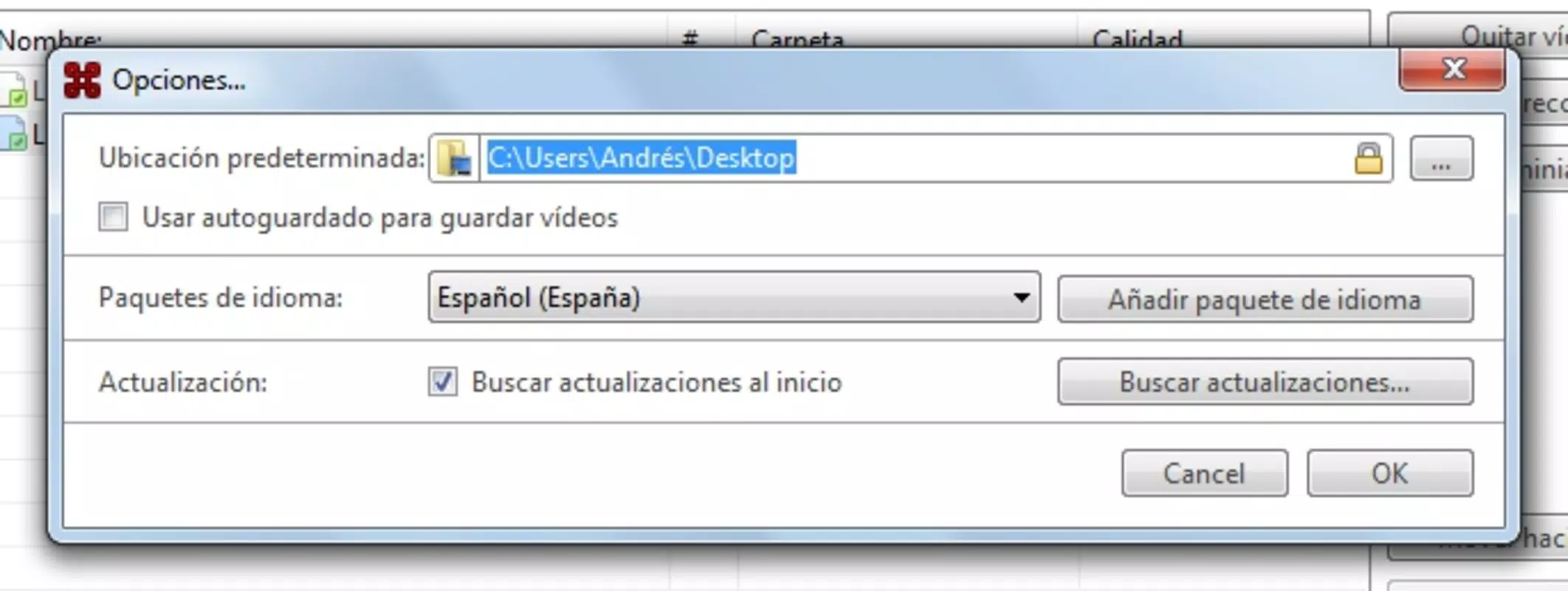
- Quality Preferences: Users can select their desired video quality before downloading, allowing for optimized file size and playback performance. Options may include standard, high, or HD resolution, depending on the source video availability.
- Batch Downloading: A notable feature is the ability to add multiple URLs simultaneously, enabling efficient downloading of several videos in one session. This is especially beneficial for users compiling content for offline review or long-term storage.
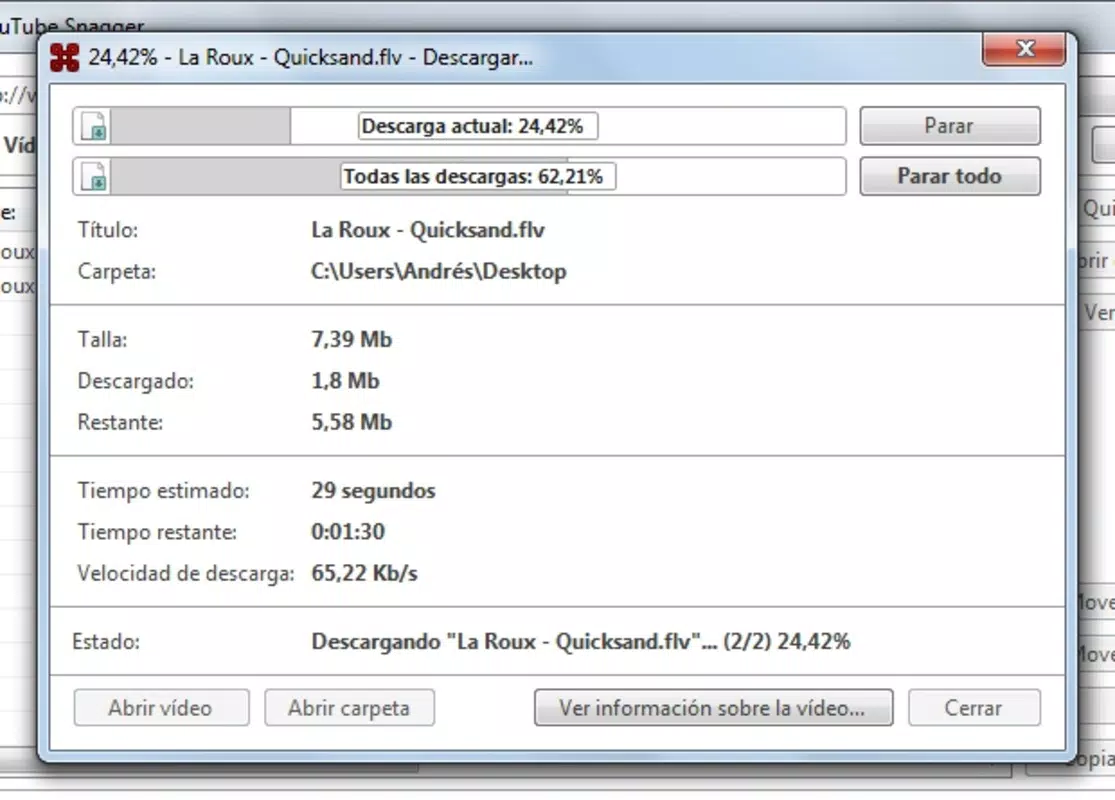
- Fast Download Speeds: The app’s download manager is optimized for speed, ensuring quick retrieval of videos. This efficiency enhances user satisfaction by minimizing wait times, particularly when handling large files.
For example, a student preparing for exams might use the batch download feature to save a series of educational lectures. A content researcher could use the quality selection and format options to standardize their archive for consistent playback across devices. These real-world applications highlight the app’s practical value in daily digital workflows.
Interface, UX & Performance
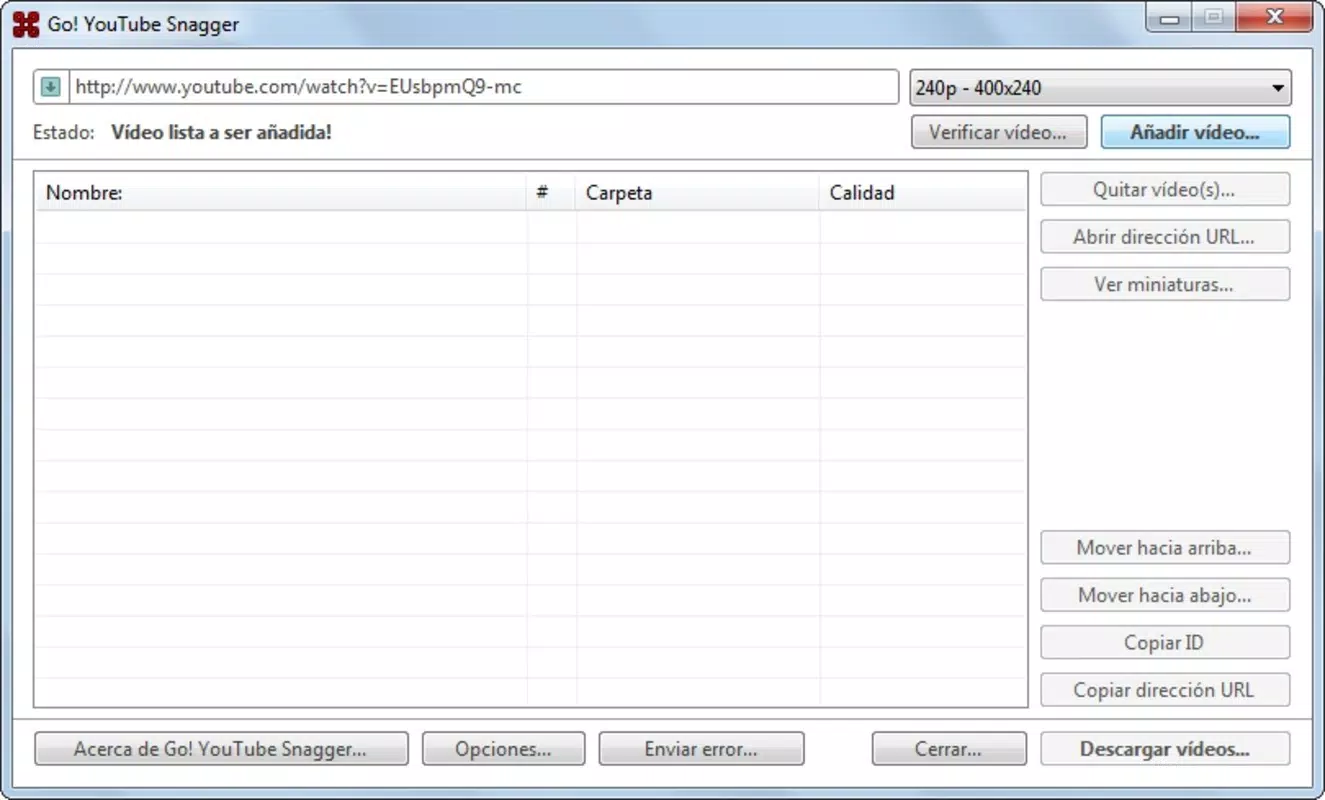
The user interface of Go! YouTube Snagger is designed with simplicity in mind, featuring a clean layout that prioritizes functionality over visual flair. Navigation is intuitive, with essential controls—URL input field, format selector, quality dropdown, and download button—placed within easy reach. This minimalistic approach reduces cognitive load, making the app accessible even to less tech-savvy users.
Interaction flow is linear and efficient: paste URL → select format and quality → initiate download. The app does not require account creation or complex setup, contributing to a frictionless experience. Although the developer did not list formal performance metrics, the app’s focus on speed suggests optimized backend processing for rapid downloads.
Responsiveness across device categories is not formally documented. However, based on its long-standing presence and basic design, it likely performs reliably on mid-range and older devices. Stability is implied through its consistent functionality over more than a decade, though no official reports on crashes or bugs were provided. The absence of in-app ads or intrusive permissions further supports a smooth user experience.
Platform Compatibility & Technical Requirements
Go! YouTube Snagger is available for Android, though specific OS version requirements were not listed. The app’s file size is reported as 3.2 MB, indicating a lightweight footprint that conserves storage space. This small size suggests efficient coding and minimal resource usage, which is advantageous for users with limited device capacity.
The developer did not specify minimum OS requirements, nor did they detail compatibility with iOS or other platforms. As such, users should verify device compatibility before installation. The app’s version history is not publicly documented, but its release date of May 25, 2011, indicates it has evolved over time through incremental updates.
Pros and Cons
Pros
- Simple, intuitive interface ideal for quick video downloads
- Supports both MP4 and FLV formats for broad device compatibility
- Offers quality selection to balance file size and visual clarity
- Batch downloading capability enhances efficiency for multiple videos
- Lightweight design with minimal storage usage
Cons
- Developer did not provide detailed technical specifications or OS compatibility
- No official information on iOS or cross-platform availability
- May lack modern features such as cloud sync or automatic playlist management
- File size and version details were not updated in the provided data
- No visible in-app updates or changelog visibility
FAQ
Is Go! YouTube Snagger safe to download and use?
The app functions as a video downloader and does not require sensitive permissions. However, users should ensure they download it from trusted sources to avoid malware or unauthorized modifications.
Can I download YouTube videos in HD quality?
Yes, the app allows users to select preferred video quality, including high-definition options, depending on the source video’s availability.
Does Go! YouTube Snagger work on iOS devices?
Specific compatibility information was not disclosed. The app is known to be available for Android, but no official details confirm iOS support.
How do I update Go! YouTube Snagger?
Update availability depends on the distribution channel. Users should check the official source or app store for the latest version.
Is Go! YouTube Snagger free to use?
Based on the provided information, the app does not have a price listed, suggesting it may be available at no cost. However, users should confirm this through the official distribution platform.
Final Thoughts
Go! YouTube Snagger remains a dependable tool for users seeking a no-frills solution to download YouTube videos. Its emphasis on speed, simplicity, and format flexibility makes it a practical choice for anyone needing offline access to video content. While it lacks modern enhancements like cloud integration or automatic updates, its core functionality continues to deliver value.
Students, researchers, and casual viewers who prioritize efficiency and minimalism will benefit most from this app. Its lightweight design and batch download feature offer tangible advantages in daily use. For those looking to securely save YouTube content without complex setups, Go! YouTube Snagger provides a straightforward path to success.
Download Go! YouTube Snagger now


